1970s
Pioneer 2600-style woodgrain console
Cracked switch bezels; missing power supply
View profile →Use practical console profiles, condition standards and interactive checklists to avoid bad bundles, preserve original hardware and build a collection that still plays beautifully.
Holiday gift guide
Tested vintage consoles, complete-in-box games and the accessories that make old hardware work on a modern TV, with the checks that keep a dud out of the box.
Open the gift guideMore gift ideas: Connecting to a modern TV Where to buy vintage consoles More collector gift guides
Pick your era, format and collecting vibe. We’ll turn it into a sensible eBay starting search, not a 40-tab collector spiral.
A loose tested console is usually the easiest way to get playing without overpaying for cardboard and inserts.
⌕ See matching consoles on eBay →V2 organizes the site around the decisions collectors actually make.
Twenty foundational profiles establish the format for a much larger collector database.
Cracked switch bezels; missing power supply
View profile →Dirty connector; blinking power; yellowing
View profile →Loose slot; replacement shell
View profile →Bad capacitors; worn power jack
View profile →Incorrect region power supply
View profile →Weak laser; cracked spindle hub
View profile →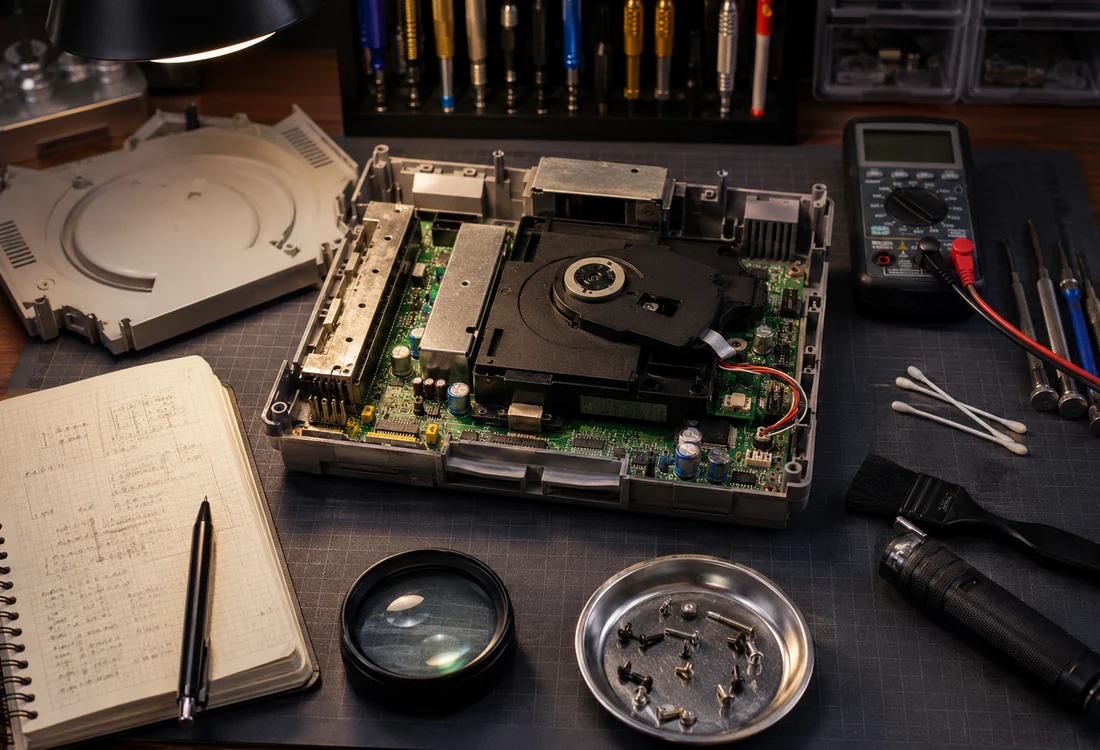
Mark shell, port, power, controller and media checks before you commit. The tool runs locally in your browser and stores nothing.
Use the inspection checklist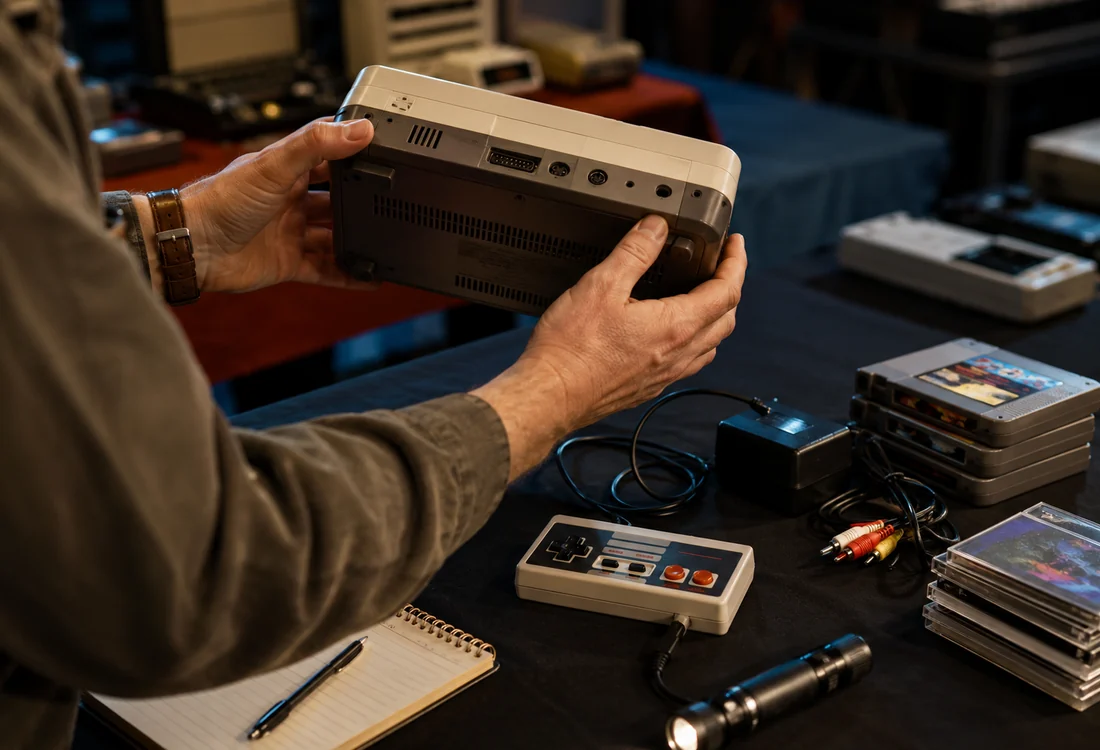
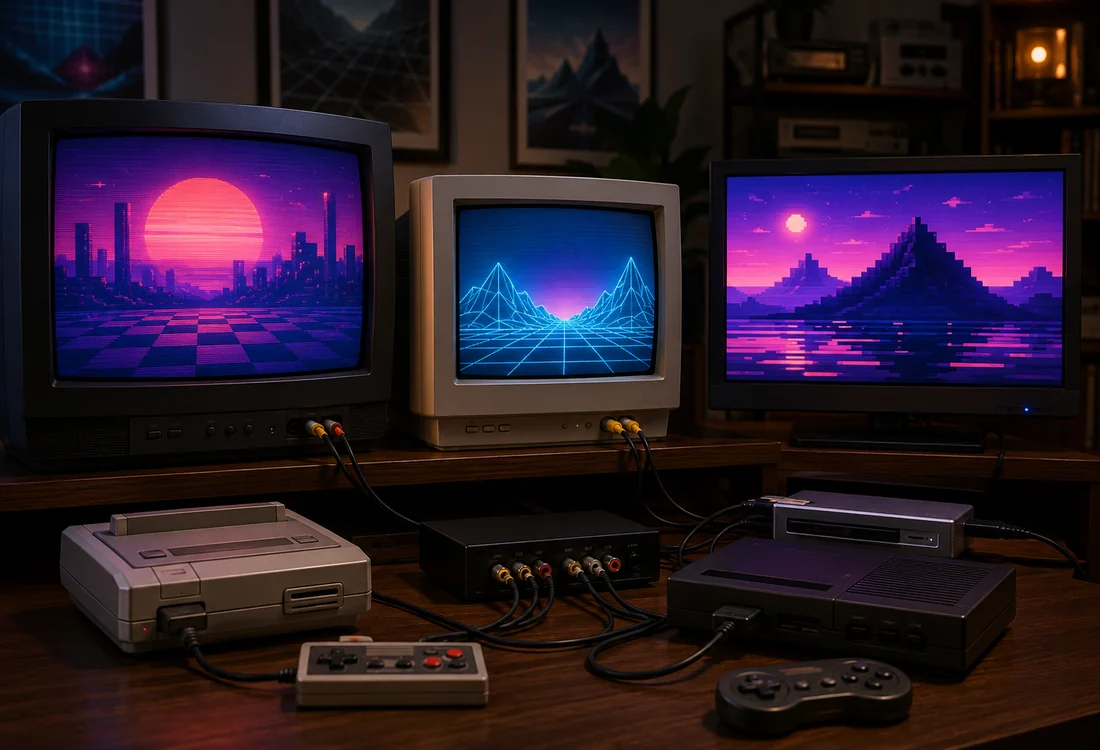
This hub is intended to connect history, buying, testing, restoration and storage rather than present isolated product cards.
Use model labels, port layouts, shell revisions and region markings to identify the hardware before buying accessories or applying power.
Use known-good power, media, controllers and displays. Record what was tested and for how long.
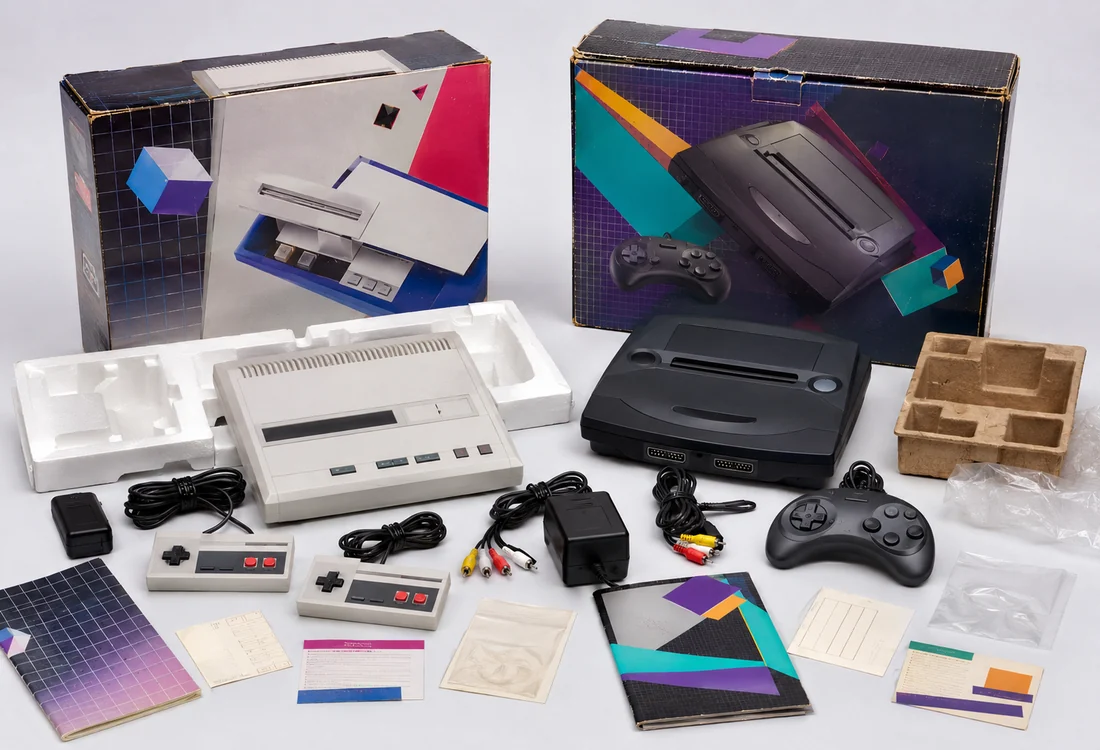
Retain packaging, paperwork, original parts and service notes. Provenance is part of the collectible.
A strong collection does not require every model. Choose a clear scope such as one region, one hardware generation, boxed systems, unusual variants, handhelds or systems you personally used. A defined scope improves buying discipline and makes display and documentation more coherent.
Before expanding, budget for storage, safe power supplies, controllers, test media and display compatibility. The hidden cost of a collection is often the infrastructure required to verify and preserve it.
Prefer model-specific manuals, service documentation, contemporary catalogs and detailed photographs over unsourced lists. Record uncertainty instead of forcing a confident answer. Production changes, regional bundles and retailer packages can make apparently conflicting information simultaneously correct.
Keep systems dry, shaded and ventilated. Remove batteries, support cables and adapters, and avoid stacking weight on fragile shells or retail boxes. Use archival sleeves and boxes where materials contact paper packaging.
Shop with the guide
Marketplace listings are useful evidence, not price guides. Compare condition, region, included cables/controllers and whether the seller actually tested the unit.
Affiliate disclosure: qualifying purchases through these marketplace links may earn us a commission at no extra cost to you. We recommend comparing the exact model, seller, condition, shipping and return terms before buying.